Update BestShot
BestShot checks for updates by itself and installs them when you restart.
You don't need to download BestShot again to update it. The app checks for new versions on its own, downloads them in the background, and only restarts when you choose.
How updates arrive
- BestShot checks shortly after it opens, and again every few hours.
- When an update is found, it downloads quietly.
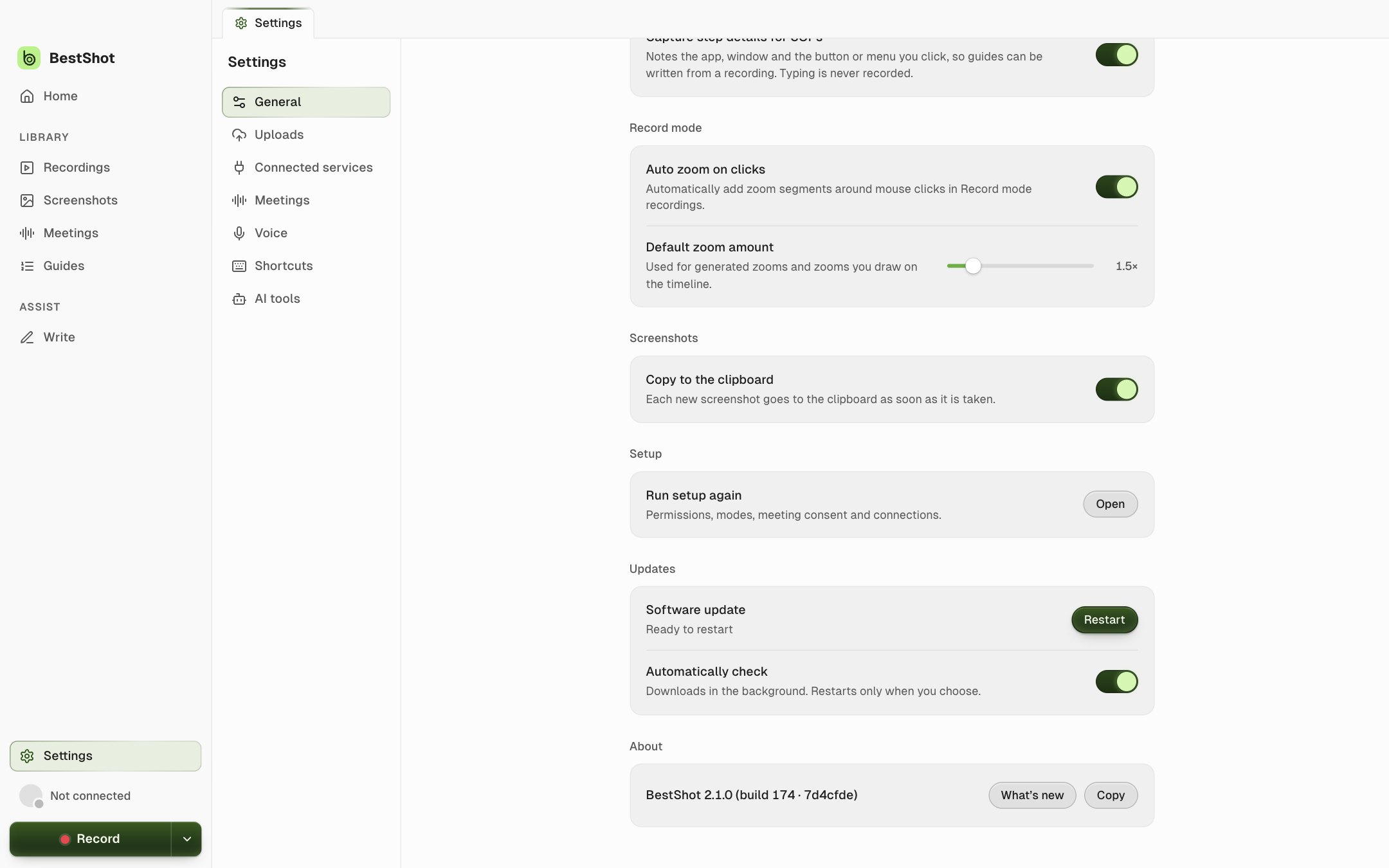
- When it's ready, Settings → General → Updates shows Ready to restart with a Restart button. Click it to install the update and reopen BestShot.
BestShot won't restart in the middle of a recording. Finish the take first, then click Restart.
Check now
Open Settings → General and click Check for updates under Updates. The status reads Checking…, then Up to date or Downloading with a percentage.
To stop automatic checks, turn off Automatically check. You can still check by hand.
See what changed
Under About in Settings → General, click What's new to read the notes for your version. Copy copies the exact version and build, which is useful when you contact support.
Still stuck? Email support and tell us what you tried.